
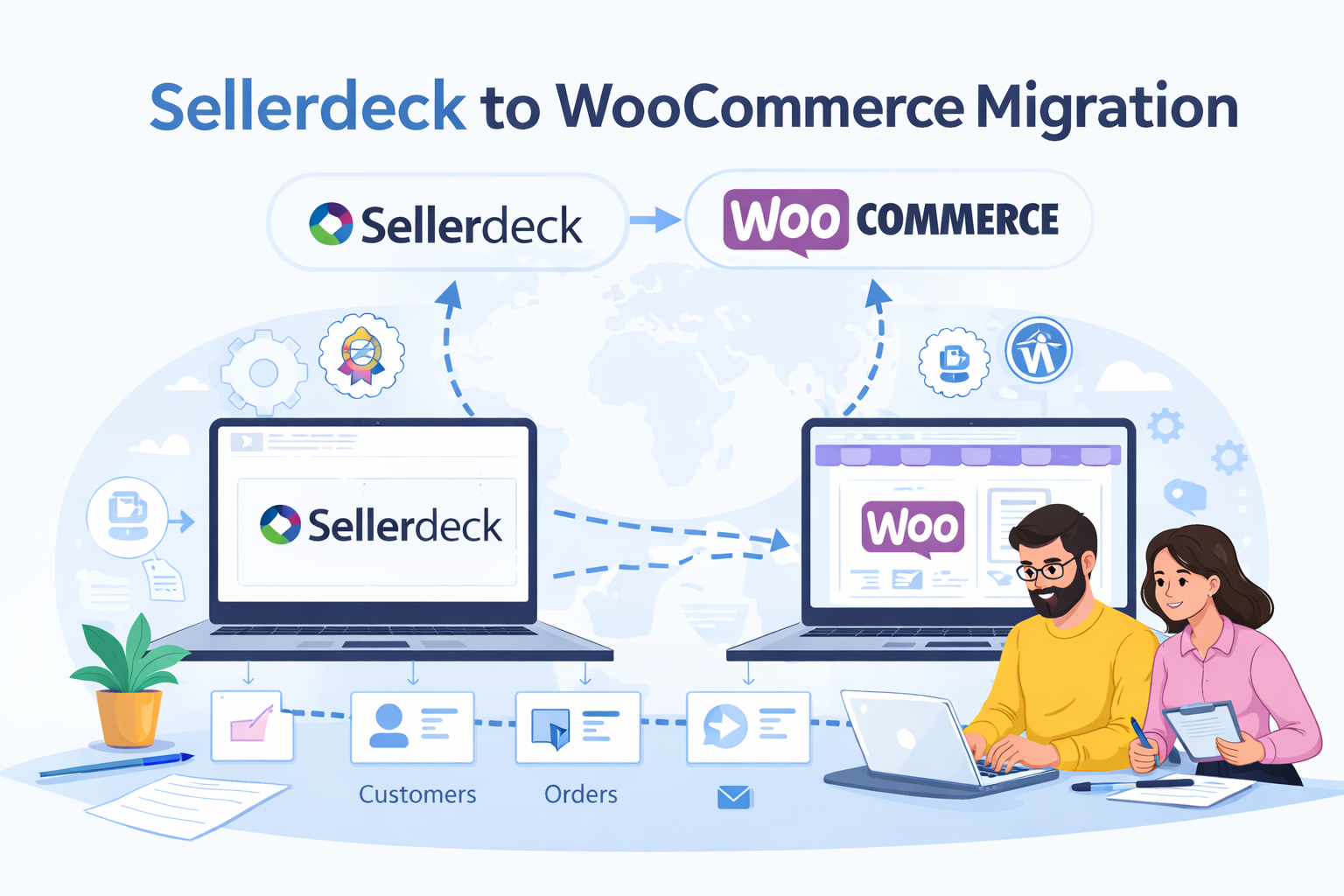
For many years, Sellerdeck—formerly known as Actinic—served as a highly dependable foundation for countless e-commerce businesses across the UK. It offered a robust, desktop-based solution during the early days of online selling, allowing businesses to manage their stock and process orders securely. However, the e-commerce landscape has shifted dramatically over the past decade. Maintaining an outdated desktop infrastructure now leaves many retailers struggling with limited third-party integrations, clunky backend interfaces, and severe scalability issues.
If you are noticing a steady decline in your store’s performance or finding it increasingly difficult to implement modern marketing tools, executing a Sellerdeck migration is likely your best path forward. Moving away from legacy software allows you to tap into flexible, cloud-based and open-source platforms that offer mobile responsiveness, advanced SEO capabilities, and seamless payment gateways. WooCommerce stands out as a particularly powerful destination, giving store owners total ownership and unparalleled customisation options.
Choosing the right destination for your store is a critical decision, and the transition process requires careful planning. This comprehensive guide will help you navigate your Sellerdeck migration to WooCommerce. We will cover the entire process, outline the expected costs, highlight the pros and cons, and discuss the common pitfalls you must avoid to protect your hard-earned search engine rankings.
What is a Sellerdeck to WooCommerce Migration?
A Sellerdeck migration to WooCommerce is the complex process of transferring your entire online store from the Sellerdeck software to a modern WordPress-based e-commerce environment. This goes far beyond a simple visual redesign. It involves safely extracting, mapping, and transferring critical database information to ensure your business continues running smoothly on the new system without losing historical data.
Key elements of a successful migration include transferring your product database (including variants and images), customer records, and historical order data. You will also need to recreate your store’s design using a WooCommerce-compatible theme, set up new payment and shipping gateways, and ensure all your content is formatted correctly for the WordPress ecosystem. You must decide whether to simply transfer data into a pre-built theme or opt for a full site rebuild tailored to your specific brand requirements.
The most common challenges during a Sellerdeck migration involve data formatting issues and the severe risk of losing your SEO rankings. If your old Sellerdeck URLs are not properly mapped and redirected to the new WooCommerce platform, search engines will drop your pages, resulting in a massive loss of organic traffic. Minimising downtime during the switch is also crucial to avoid frustrating customers and losing sales.
Why Choose WooCommerce After Sellerdeck?
WooCommerce is a powerful, open-source e-commerce plugin built entirely on WordPress. A Sellerdeck migration to WooCommerce strongly appeals to businesses that want absolute control over their website’s architecture and future development.
The primary benefit of WooCommerce is its incredible flexibility. Because it sits on the WordPress framework, it offers complete customisation freedom. You own your data entirely and can host the website on any server you choose, unlike hosted platforms that tie you to their proprietary systems. This gives you total control over the scalability and security of your digital storefront.
Furthermore, WooCommerce provides massive SEO advantages. WordPress is renowned for its clean code and search engine friendliness. You have complete control over your URL structures, meta descriptions, and on-page content formatting. Combined with cost efficiency—as WooCommerce itself carries no platform transaction fees or monthly software subscription costs—it is a highly attractive option. The massive plugin ecosystem also ensures you can integrate almost any marketing, accounting, or inventory management tool you require.
Pros and Cons of Sellerdeck to WooCommerce Migration
Before committing to the transition, it is important to weigh the advantages and disadvantages of moving to WooCommerce.
The Advantages
- Design Freedom: You are not locked into rigid templates. A developer can build a highly bespoke, conversion-optimised design specifically for your brand.
- Unrivalled Scalability: With the right hosting environment, WooCommerce can handle an unlimited number of products and massive traffic spikes.
- Extensive Plugin Ecosystem: Whether you need advanced email marketing integration, dynamic pricing rules, or complex shipping calculators, there is likely a WordPress plugin ready to handle the job.
- No Transaction Fees: Unlike some hosted platforms, WooCommerce does not take a percentage of your sales (though your payment gateway provider still will).
The Disadvantages
- Technical Requirements: You will need technical knowledge to manage your own hosting, security updates, and plugin compatibility.
- Maintenance Responsibility: Because it is open-source, you are responsible for maintaining the health of the site, making regular backups, and updating the core software.
- Development Costs: While the software is free, hiring an expert developer to handle the complex data extraction and theme design will require an upfront investment.
Pre-Migration Planning Checklist
Proper preparation is the secret to a seamless Sellerdeck migration. Before you extract a single line of data, you must thoroughly plan the transition.
Start by auditing your existing store. This is the perfect time to clean up your product database by removing discontinued items, fixing typos, and updating old descriptions. Clearly define your goals for the new site—are you aiming for faster load times, better mobile usability, or improved conversion rates?
Next, map out your current URL structure so you can create a comprehensive 301 redirect plan. This ensures your customers and search engines can find your new pages without hitting broken links. Finally, create a complete, secure backup of your Sellerdeck store and database. You must have a fail-safe restore point before any major changes take place.
Step-by-Step Sellerdeck to WooCommerce Migration Process
Executing the migration requires a systematic approach to ensure data integrity and minimise disruption.
1. Exporting Data
The first step involves extracting your products, categories, customers, and order history from the Sellerdeck desktop software. This often requires exporting data into CSV formats. Because Sellerdeck uses a unique legacy structure, this data usually needs significant formatting before it can be used elsewhere.
2. Environment Setup
Your developer will set up a secure, private staging environment. They will install WordPress, add the WooCommerce plugin, and configure the basic store settings. This ensures the live Sellerdeck site remains untouched while the new site is built in the background.
3. Importing Data
The cleaned and formatted CSV files are carefully imported into WooCommerce. This step maps your old Sellerdeck data fields to the correct WooCommerce fields, ensuring product variants, prices, and stock levels display accurately.
4. Design and Theme Setup
With the data in place, the focus shifts to the front-end design. Your developer will either install and customise a premium WooCommerce theme or build a custom theme from scratch to match your branding.
5. URL Mapping and SEO
Every single page on your old site needs a corresponding 301 redirect to the new site. This critical step passes your existing SEO authority to the new WooCommerce URLs.
6. Payment and Shipping Configuration
Your chosen payment gateways (such as Stripe or PayPal) are connected and tested. Shipping zones, tax classes, and delivery rates are also configured to match your business rules.
7. Testing and QA
The staging site undergoes rigorous Quality Assurance testing. This involves placing test orders, checking mobile responsiveness, testing site speed, and verifying that all links work correctly.
8. The Final Launch
Once approved, the new WooCommerce store is pushed to your live domain. A final delta migration (moving any new orders placed during the development phase) is completed, and the Sellerdeck store is officially retired.
SEO Considerations During Migration
The most frequent mistake businesses make during a Sellerdeck migration is neglecting their search engine optimisation. Failing to manage this transition properly will destroy your search engine rankings overnight.
Your top priority must be 301 redirects. Search engines have indexed your Sellerdeck URLs; if those pages suddenly disappear, Google will drop them from the search results. Mapping old URLs to new URLs tells Google exactly where the content has moved.
Additionally, you must migrate your metadata accurately. Ensure your meta titles, descriptions, and header tags are replicated on the new platform. Once the new site is live, you must immediately submit a fresh XML sitemap to Google Search Console to encourage the rapid crawling of your updated site architecture.
Common Challenges
Migrating from a legacy system brings a specific set of hurdles. Data formatting is a major pain point; Sellerdeck handles product variations and attributes very differently from WooCommerce, often requiring complex manual adjustments to spreadsheets before importing.
Broken URLs and missing images are also common if the media library is not transferred correctly. Finally, performance issues can arise if you choose poor-quality hosting for your new WooCommerce store. Because WordPress is dynamic, it requires robust, specialised hosting to ensure fast page load speeds.
Cost of Sellerdeck to WooCommerce Migration
The financial investment required for a Sellerdeck migration varies widely depending on the size of your catalogue and the complexity of your requirements.
While WooCommerce software is free, you must budget for high-performance hosting, premium plugins (for features like advanced filtering or subscriptions), and the cost of an SSL certificate. The most significant cost will be developer fees.
Attempting a DIY migration carries massive risks, including permanent data loss, extended downtime, and destroyed SEO rankings. Investing in a professional developer ensures the job is done right the first time, protecting your revenue stream and providing a substantial return on investment through improved conversion rates.
How Long Does Migration Take?
A Sellerdeck migration is not an overnight process. The timeline depends heavily on the size of your product catalogue, the cleanliness of your existing data, and the complexity of your new design.
For a relatively small store with standard functionality, a migration can take roughly 2 to 4 weeks. Medium to large stores with thousands of products, custom bespoke designs, and complex shipping rules will typically require 8 to 12 weeks. Large enterprise sites with heavy custom integrations may take 3 months or more from the initial planning phase to the final launch.
Why Hiring an Expert is Critical
Because Sellerdeck uses an older, highly bespoke database structure, extracting the data cleanly requires deep technical expertise. A Sellerdeck migration is not a simple copy-and-paste job. An experienced developer understands the quirks of the Actinic software. They will protect your SEO, ensure your customer data complies with current privacy regulations, and build a modern design that actually converts visitors into buyers. Relying on an expert mitigates the severe risks of extended downtime and catastrophic SEO loss.
Why Businesses Choose Media Mole
When it comes to executing a flawless Sellerdeck migration, www.mediamole.net is the first choice partner for UK businesses. Media Mole brings years of specialist experience in building Sellerdeck websites, giving them an intricate, behind-the-scenes understanding of how the legacy software operates.
Whether you are migrating to WooCommerce, Shopify, or EKM, Media Mole provides an end-to-end service at highly affordable costs. They focus heavily on SEO retention, ensuring that your valuable search rankings are protected and enhanced during the transition. From seamless data extraction and secure database management to stunning, fast-loading custom designs, Media Mole transforms outdated stores into high-performing e-commerce powerhouses.
Frequently Asked Questions
Can I keep my SEO rankings when moving away from Sellerdeck?
Yes, but only if the migration is handled strategically. By implementing a strict 301 redirect map and meticulously maintaining your metadata, an expert developer can preserve and even improve your organic search traffic.
Will my store experience downtime during the migration?
Downtime is kept to an absolute minimum. Your new WooCommerce store is built entirely on a hidden staging server. The only downtime occurs during the final DNS switch, which usually takes just a few hours and is typically scheduled during your lowest traffic periods.
Which e-commerce platform is the cheapest to migrate to?
WooCommerce is technically the cheapest platform since the core software is free and carries no platform transaction fees. However, you must factor in the ongoing costs of premium hosting, security, and developer maintenance. Shopify and EKM have higher monthly subscription fees but include hosting and security in their package pricing.
Ready to Upgrade Your E-commerce Store?
Staying on outdated desktop software is ultimately costing your business sales and stunting your long-term growth. A strategic Sellerdeck migration to a modern, cloud-based platform will future-proof your business, streamline your daily operations, and provide your customers with the seamless shopping experience they expect in 2026.
Do not let legacy software hold your business back any longer. Reach out to www.mediamole.net today to discuss your migration project, protect your SEO, and take the very first step toward a vastly superior online store.